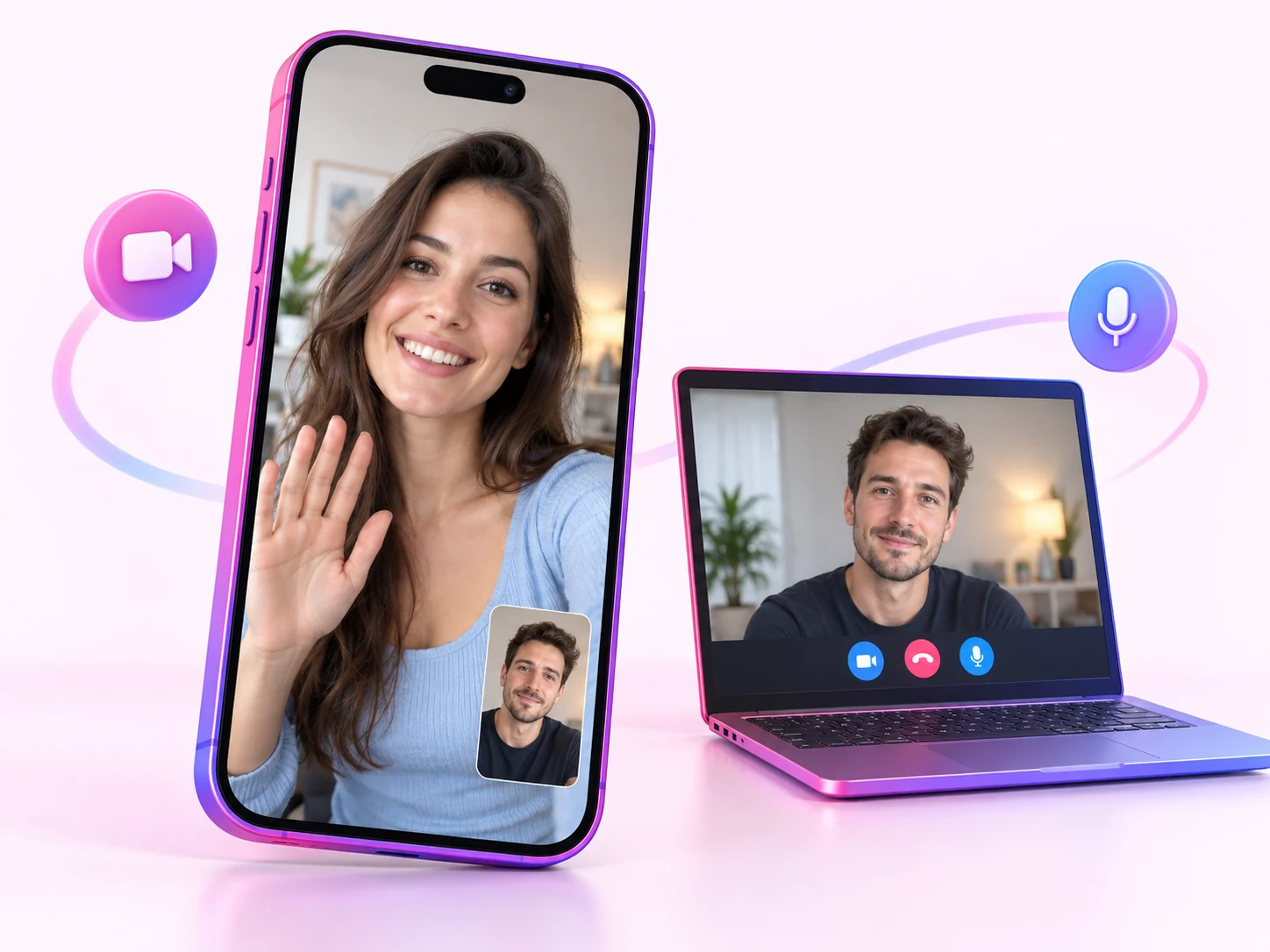
01A browser entrance is useful across devices
On FlirtifyCam, open the website on the device you intend to use for the call. Check camera and microphone permissions in that browser, especially if you previously denied access. A stable connection and headphones can help with the conversation. Browser access does not remove sign-in or credit requirements.
02Choose a person or discover someone randomly
Start with the online profiles when you want to make a choice before calling. Choose random matching when meeting someone unexpected is the point. These entrances serve different moods, but both lead toward a one-to-one conversation rather than a public broadcast.
03Start fresh on a separate service
A Monkey account does not sign you into FlirtifyCam, and contacts, purchases and balances do not transfer between the services. Review your existing subscription separately if you plan to stop using another app. On FlirtifyCam, check the limited starter credits before buying anything and use account support for payment questions.